








Digitizing documents: Which scanner is right for you?
Bills, contracts, old photos, books, and important documents – paper accumulates faster in everyday life than you might think. At the same time, more and more people want to store their documents digitally, search through them, and quickly find them again when needed.
However, you don't automatically need a professional scanner for that. Depending on what you want to digitize and how often you scan, a smartphone might be perfectly adequate – or a dedicated document or book scanner might be much more practical.
The crucial question is therefore not: "Which scanner is the best?" – but: "Which scanning solution suits my everyday life?"
What options are there for digitizing documents?
Today, you have several options available. Which one is most suitable depends primarily on the type of documents, the quantity, and the desired outcome.
Smartphone: For individual documents and quick scans

For a single document, a smartphone is often the simplest solution. Modern smartphones can automatically recognize documents, crop them, and save them as PDFs.
This is suitable, for example, for:
- an invoice that needs to be archived quickly
- a contract for digital delivery
- individual notes or documents
- Documents on the go
No additional device is needed for occasional scans.
However, as soon as large numbers of pages, books, or sensitive documents need to be digitized regularly, the smartphone quickly reaches its limits. Lighting conditions, reflections, perspective, and consistent alignment can all affect the quality.
Flatbed scanner: For single pages and photos

A classic flatbed scanner is particularly suitable for individual documents, photos and flat originals.
The advantage: The document lies completely flat on the glass surface during scanning. This allows for high-quality results.
However, this method is less practical for books. Each page has to be placed individually on the glass and then turned over. With a thick book, this can quickly become time-consuming.
Document feeder scanner: For many individual sheets

If you regularly digitize loose documents such as invoices, letters or contracts, a document scanner with an automatic document feeder may be the better choice.
The focus here is not on the individual document, but on the quantity:
Many loose pages → faster digitization → less manual work.
However, a sheet-fed scanner is not the ideal solution for books or bound documents.
Overhead and Book scanner: For books and bound documents

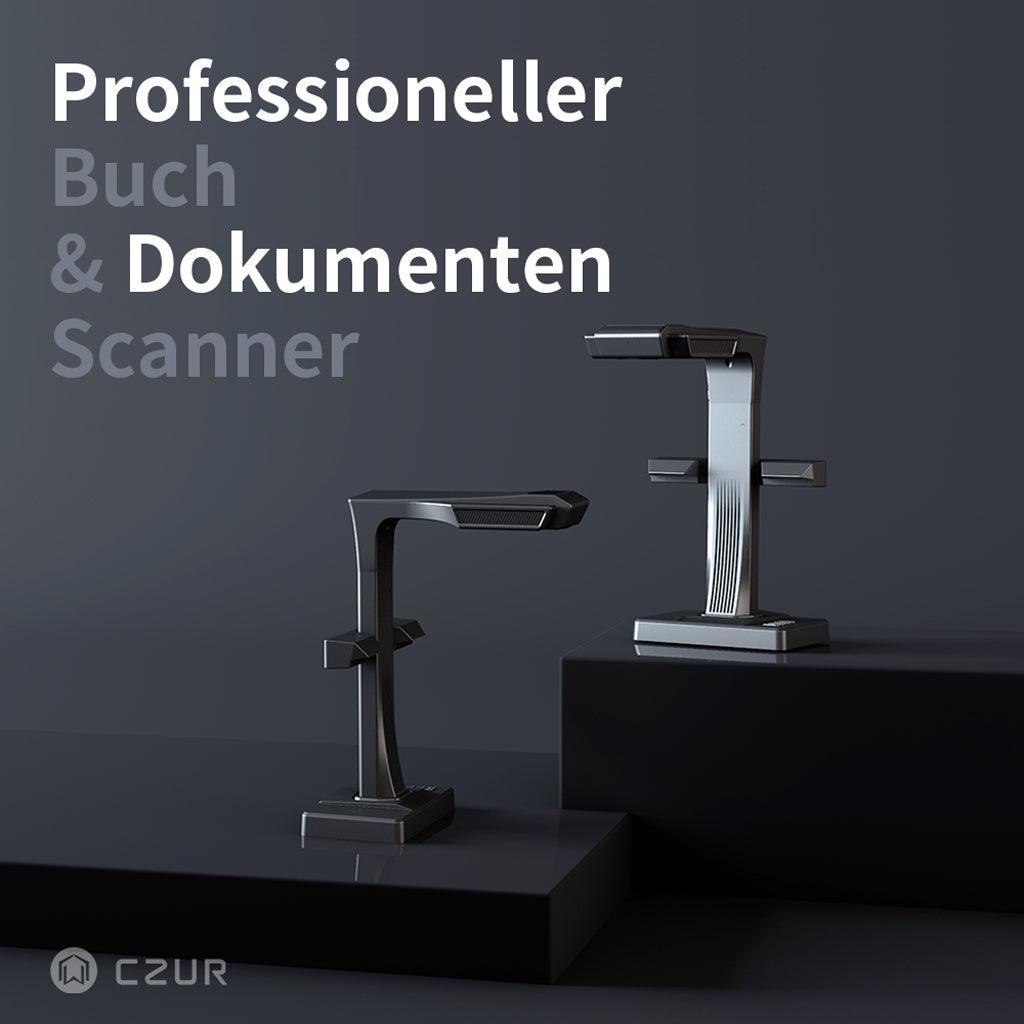
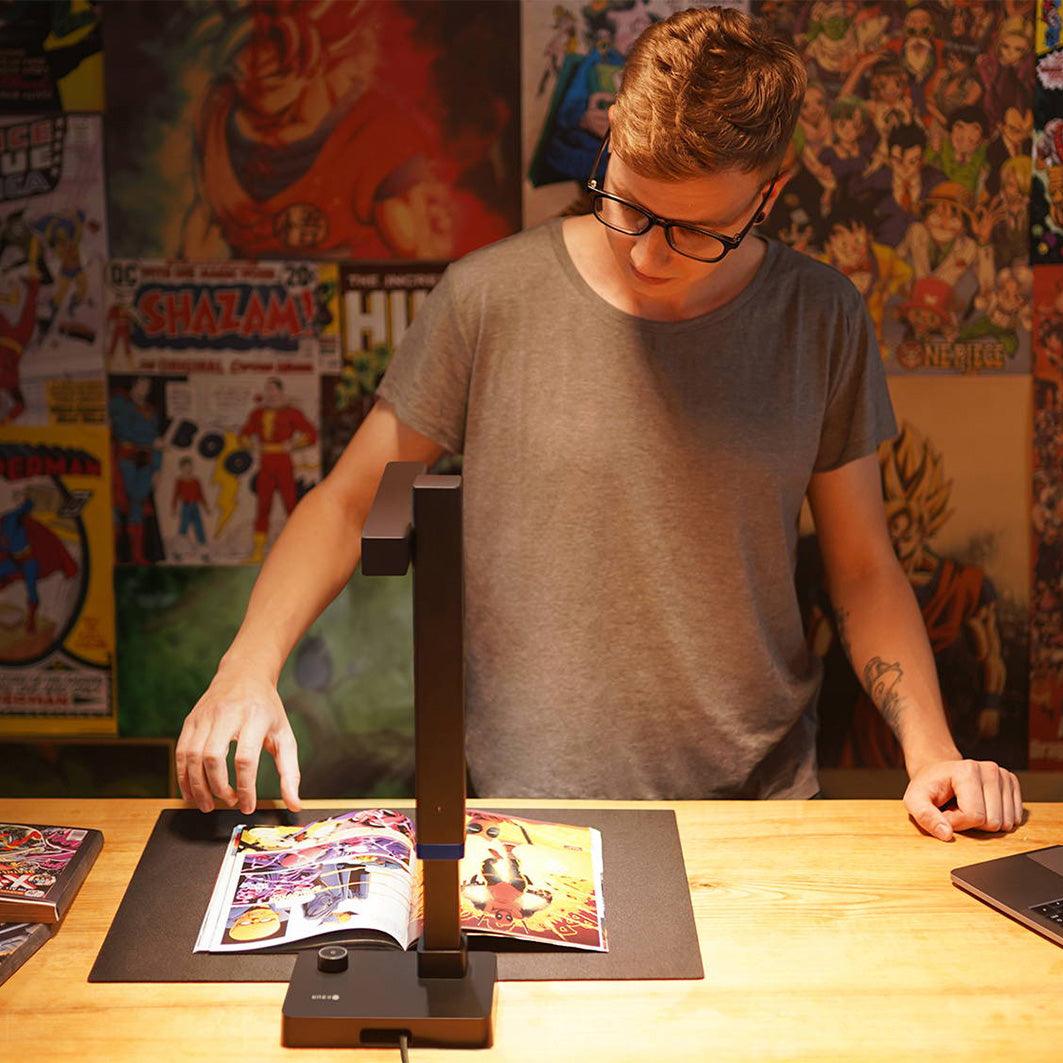
Special book scanners are used when books, magazines or bound documents need to be digitized regularly.
These scanners capture the original from above. This eliminates the need to place a book page by page onto a glass surface, as with a flatbed scanner.
Depending on the model, additional functions such as automatic page separation, cropping, curvature correction or OCR can reduce the subsequent processing effort.
This can make a significant difference, especially for extensive books or regular digitization projects.
Which scanning method is suitable for which need?
A simple guide:
| Your needs | Suitable solution |
|---|---|
| Quickly digitize individual documents | Smartphone |
| Photos and individual flat templates | Flatbed scanner |
| Scanning many loose documents | Document feeder scanner |
| Digitizing books and bound documents | Book scanner |
| Regularly digitize books and documents | Overhead document scanner |
| Create searchable documents | Scanner with OCR |
Therefore, there is no single perfect scanning solution for every user. The crucial factor is... what you actually want to digitize and how often you do it.
Smartphone or scanner: When is a smartphone worthwhile? Document scanner?

Many users rightly ask this question.
For occasional scanning, a smartphone is usually perfectly adequate. However, if you regularly digitize documents or books, the requirements change.
A separate scanner can be particularly worthwhile if you:
- scan many pages regularly
- Digitizing books or magazines
- require consistent scan quality
- want to have documents processed automatically
- frequently create PDFs or searchable files
- want to archive paper documents for the long term
The difference, therefore, lies less in the fact that a scanner simply takes "better pictures". Much more important are... Working speed, consistent results and automatic processing.
Book scanner or document scanner – what's the difference?

The terms are often used similarly, but there is actually an important difference.
Book scanner: For books and bound documents
A book scanner is primarily designed for bound originals:
- books
- specialist literature
- Magazines
- Magazine
- bound documents
- sensitive or older documents
Features such as automatic correction of side columns or book curvature can be particularly helpful.
Document scanner: For loose documents
In contrast, a traditional document scanner is more suited to loose sheets of paper:
- invoices
- Contracts
- Letters
- Forms
- Office documents
If you mainly process loose documents, a document scanner with an automatic document feeder may be more efficient.
Anyone who wants to digitize both books and regular documents should therefore look for a solution that is as versatile as possible.
Why is OCR so important in digitization?

A scan is initially just a digital image. If you want to search or edit the text later, that alone is not enough.
Here comes OCR – Optical Character Recognition into the game.
OCR recognizes text on a scanned document and converts it into machine-readable text. This allows, for example, the creation of searchable PDFs or editable files.
This is particularly useful if you later want to search for a specific term in a document instead of manually looking through several pages.
From scan to searchable PDF
The difference can be easily illustrated:
Paper document → Scan → OCR → Searchable PDF
This transforms a simple image into a significantly more usable digital document.
For large document collections, OCR can therefore be an important function – especially if the files are to be archived, searched or further processed later.
What should you look out for when buying a document or book scanner?
If you plan to digitize regularly, you shouldn't just focus on the resolution. Several factors are important depending on the application.
Scan area and paper size
A4 is sufficient for many typical documents. If you want to scan books, magazines, or larger originals, a larger scan area – for example, A3 – may be useful.
Scan speed
For small documents, speed is hardly a factor. However, for several hundred pages, it can be crucial.
Therefore, pay attention to how fast the device can actually work under your typical conditions.
Image quality and resolution
High resolution can be particularly helpful for small fonts, images, or detailed templates.
However, the nominal resolution is not the only crucial factor. Camera, lighting, image processing, and software also play an important role in the result.
Book curvature and automatic page correction
In bound books, the curvature of the pages often results in distorted areas.
An automatic curve-flattening function can correct such distortions and thus reduce post-processing.
This is especially important for books that do not lie completely flat on a surface.
OCR and file formats
Before purchasing, consider what you will do with the scans afterwards.
Do you simply want to save images? Create PDFs? Search text? Edit content?
Depending on the use case, functions such as OCR and export to PDF, Word or other formats may be relevant.
Scanning software and automatic processing
Hardware is only part of the solution. Good scanning software can handle automatic cropping, page splitting, image correction, batch processing, and OCR.
Especially when dealing with many pages, good software can be just as important as the scanner's camera.
For whom is a CZUR Scanner?
If you not only scan a single document occasionally, but regularly want to digitize books, documents, or other templates, a

The software also plays an important role.At the
Depending on the model, the solution can be used for everything from simple document scanning to more extensive digitization of books and documents.
Which CZUR Is this scanner right for you?
Not everyone needs the same model. The decisive factors are primarily the type of originals, the volume of scans, and the desired range of functions.
CZUR ET Series: For demanding digitization projects

The
Depending on the model, features such as a larger scan area, high image quality and automatic processing functions are key.
If you are looking for a scanner for more extensive digitization tasks, it is worth taking a look at the various models in the ET series.
CZUR Aura Pro For flexible use at home

The
The model supports documents up to A3 size, has a 14 MP sensor, and, according to the manufacturer, can scan a page in approximately two seconds. Features such as curve flattening and integrated ABBYY OCR assist in processing books and documents.
CZUR Shine Ultra Compact and flexible

The
It is particularly suitable for users who do not want to work permanently with a classic flatbed scanner, but are looking for a flexible overhead solution.
Conclusion: The best scanning method depends on your daily routine.
If you only occasionally need to digitize an invoice or contract, you don't necessarily need an additional scanner. A smartphone can be perfectly sufficient for such tasks.
However, if large numbers of documents, books, or bound records need to be digitized regularly, a specialized solution becomes more interesting.
You should pay particular attention to these points:
- What do I want to scan?
- How often will I scan?
- How many pages do I need to process?
- Do I need OCR?
- Do I want to digitize books or just loose documents?
- Which post-processing steps should be automated?
Answering these questions before buying makes it much easier to find the right solution.
The most technically advanced scanner is not automatically the best – but rather the one that suits your actual everyday scanning needs.


Leave a comment