









CZUR Assistive Cover – Cover aid for scanners
- Away 490 € receive 5 € Discount, from 2.498 € receive 30 € Discount.


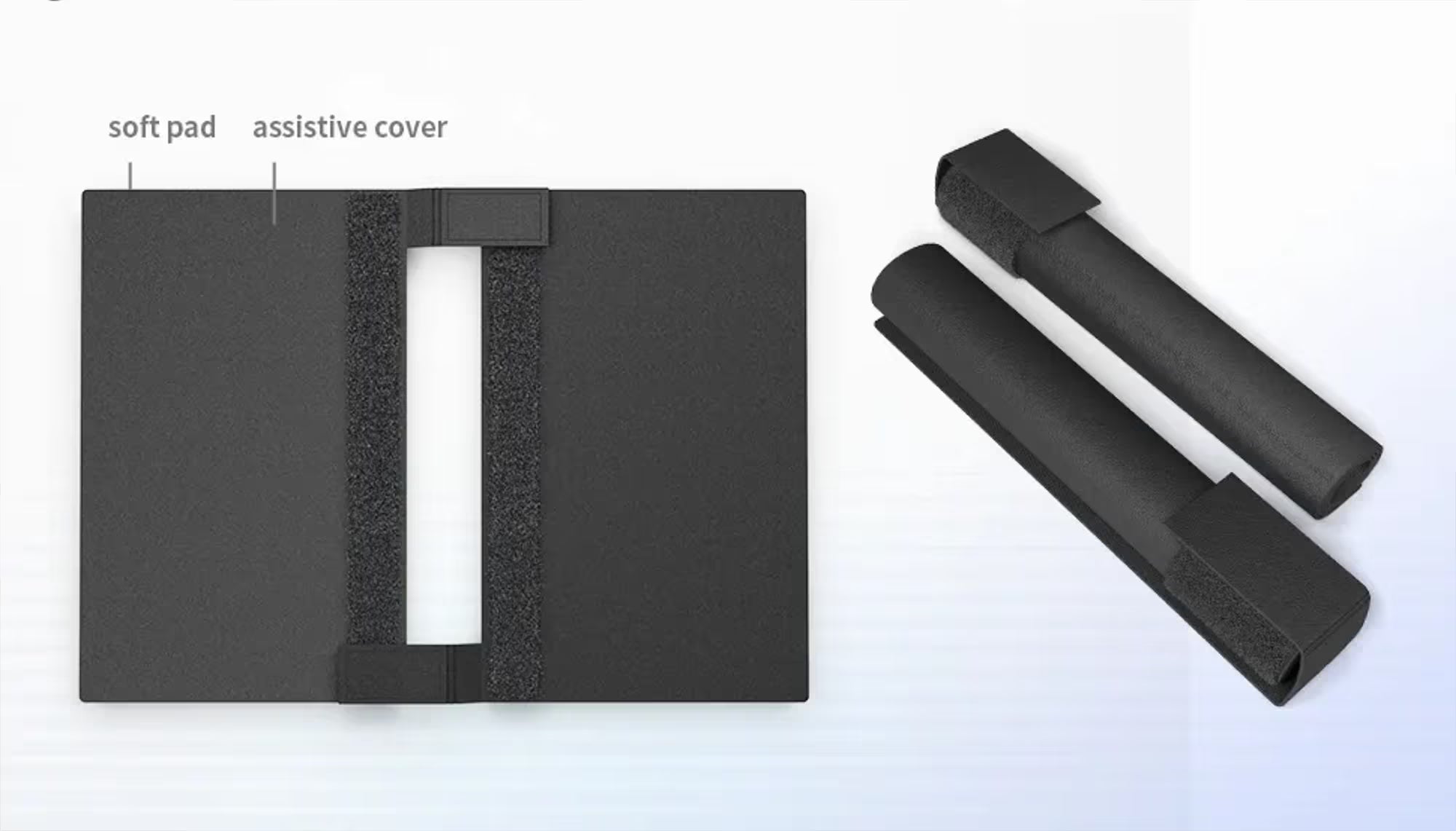
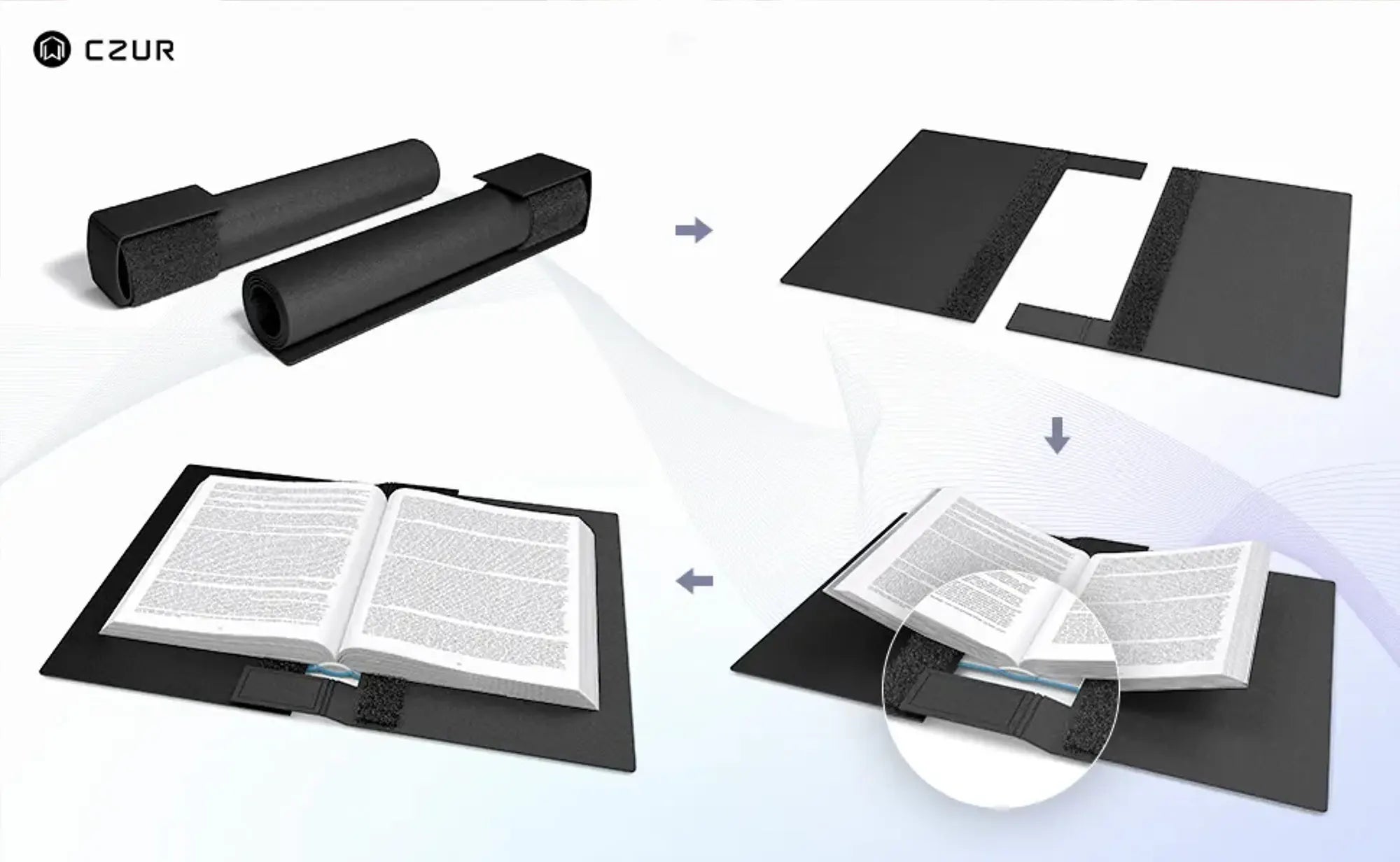
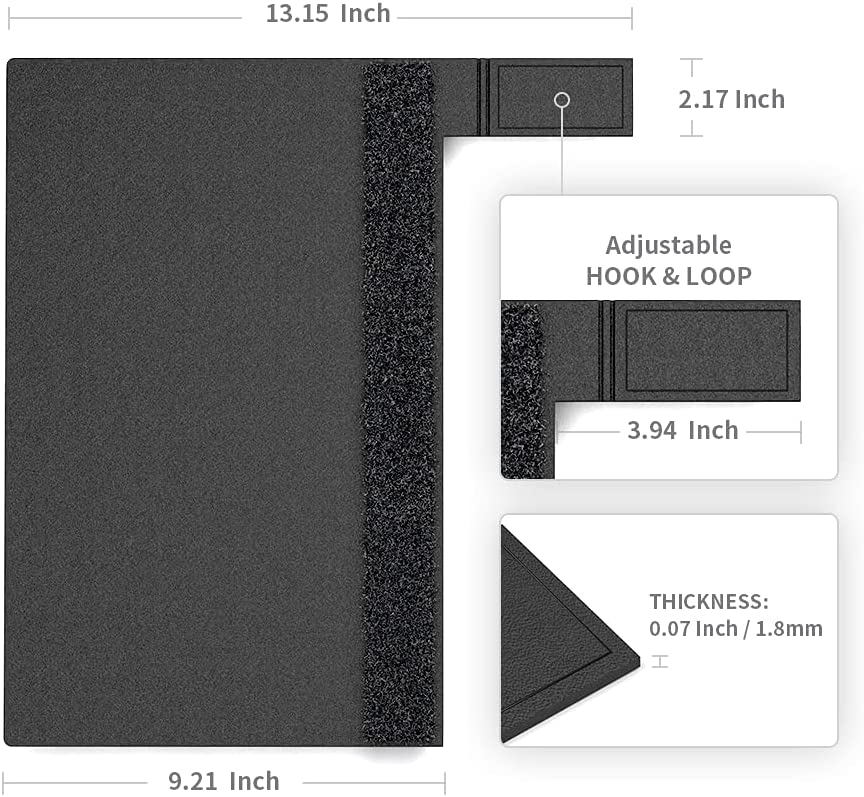
- Mass: Two covers (33.4 cm L × 23.4 cm W) with adjustable Velcro fasteners (10 cm L × 5.5 cm W) – individually adjustable to the book spine thickness. Suitable for A4 books and smaller.
-
Optimized for
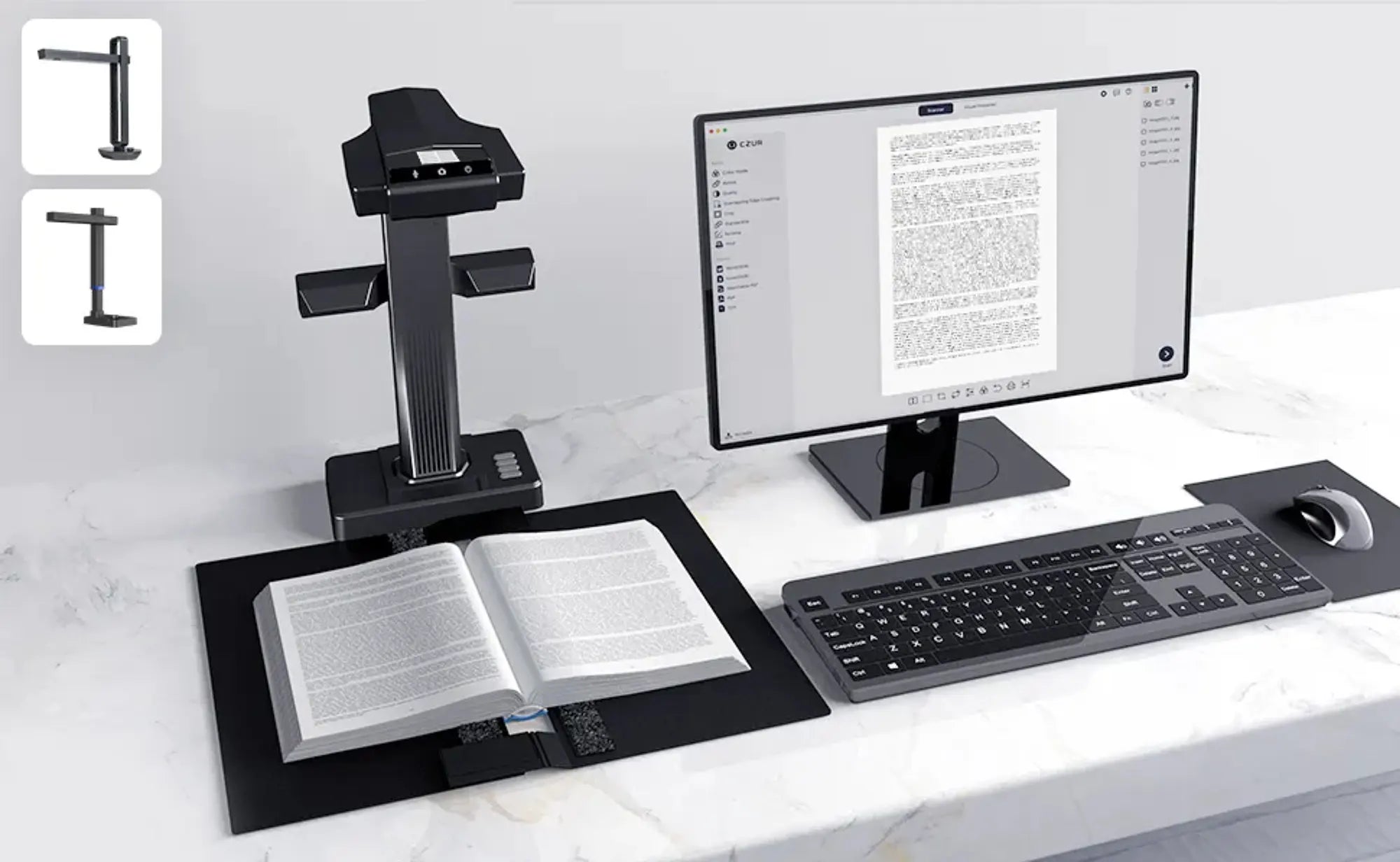
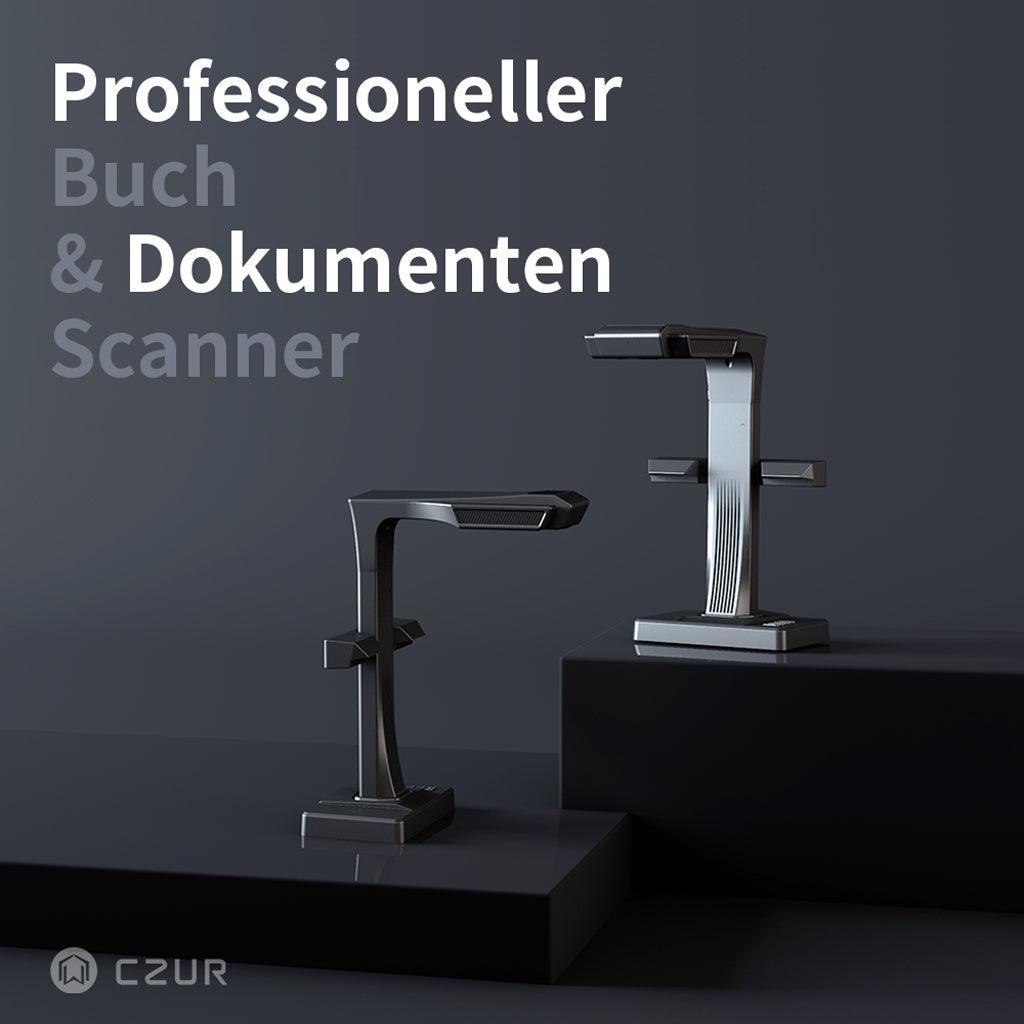
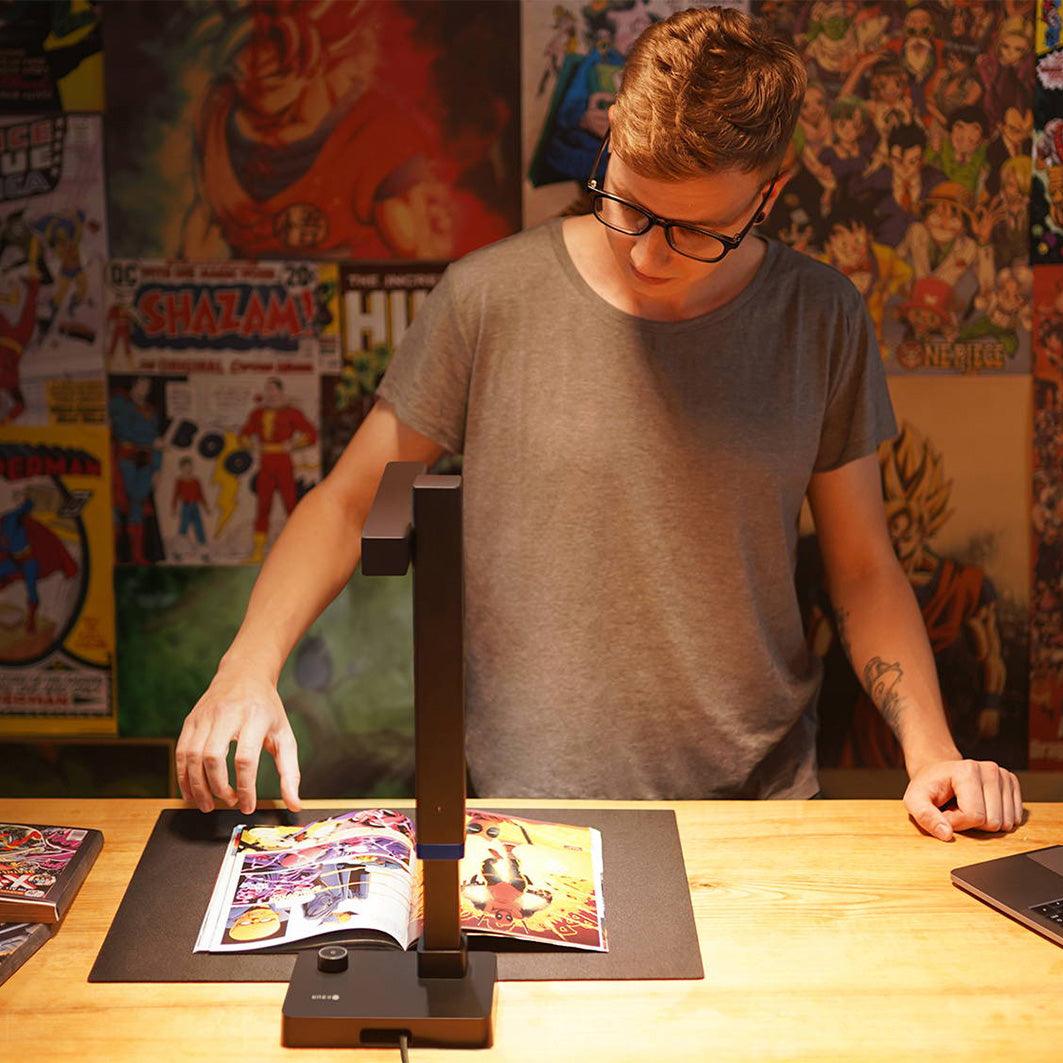
CZUR Scanner: The intuitive Assistive Cover feature makes scanning any type of book easier. It prevents the colors and edges of the book spine from interfering with the exposure and image processing. -
Compact & Light: Weighing only 0.2 kg, it is particularly handy and easy to transport – ideal for the office or when traveling with your
CZUR -Scanner. - Easy to clean: Made from durable PVC material with a splash-proof surface. Simply wipe with a damp cloth or paper towel – and it's clean!
-
Versatile in its applications: Perfect for scanning books, can also be used as a mousepad. Designed by
CZUR , including a 1-year warranty.
- Material: PVC
- Weight: 0.2 kg
- Dimensions – Coverage: 33.4 cm L × 23.4 cm W
- Dimensions – Adjustable Velcro fastener: 10 cm L × 5.5 cm W
- Supports: Books up to A4 size (A4: 210 × 297 mm)
- Scope of delivery: 2 covers, 1 adjustable Velcro fastener, 1 instruction manual
- Guarantee: 1 year